
Create an Online Memorial in Minutes
Simple to use, customizable, and designed to share memories, stories, and photographs with family and friends online.
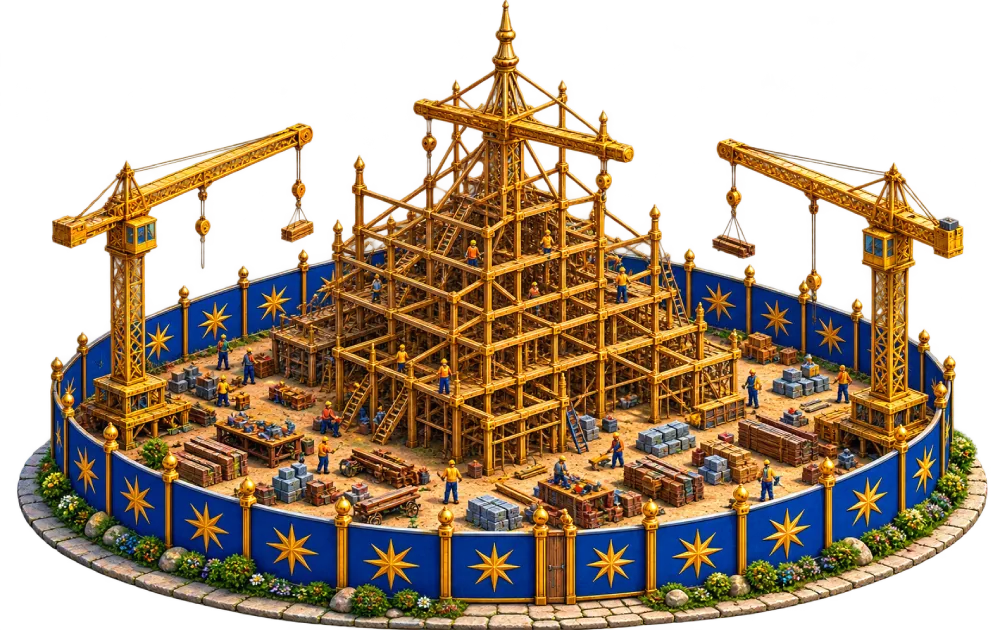
Add Memorial Details
Add names, dates, headings, and personal memorial messages to begin building the memorial experience.
Create LifeSlides
Upload photographs, stories, and memories to create a calm cinematic memorial journey.
Select a Colour
Choose colours and visual styles to shape the atmosphere and presentation of the memorial.
Choose Music
Add meaningful background music to accompany visitors throughout the memorial experience.
Choose a Frame
Select a frame for the final LifeSlide (End Template) image presentation.
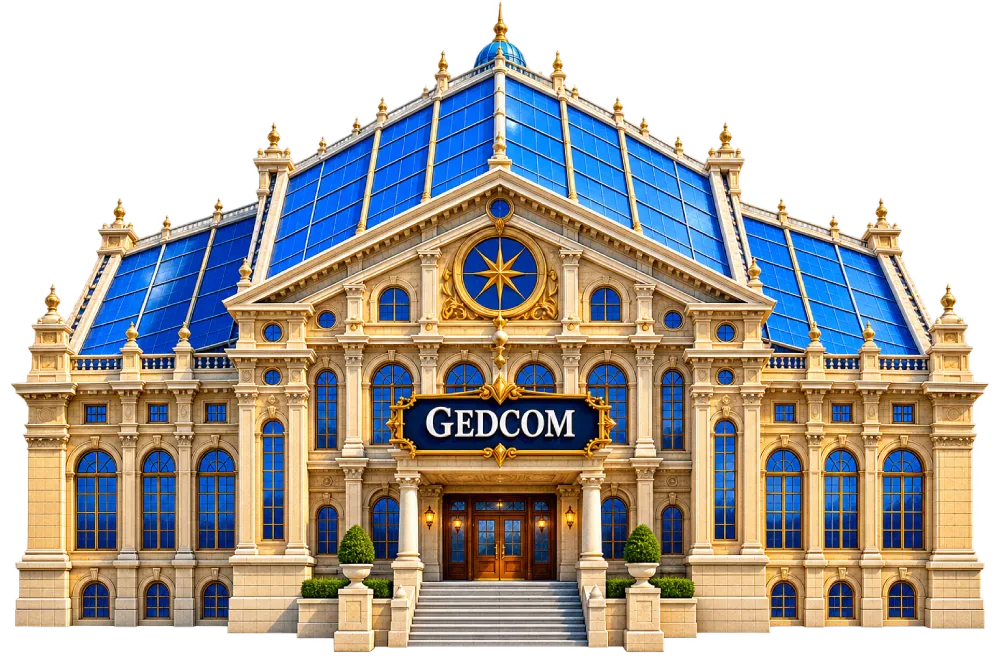
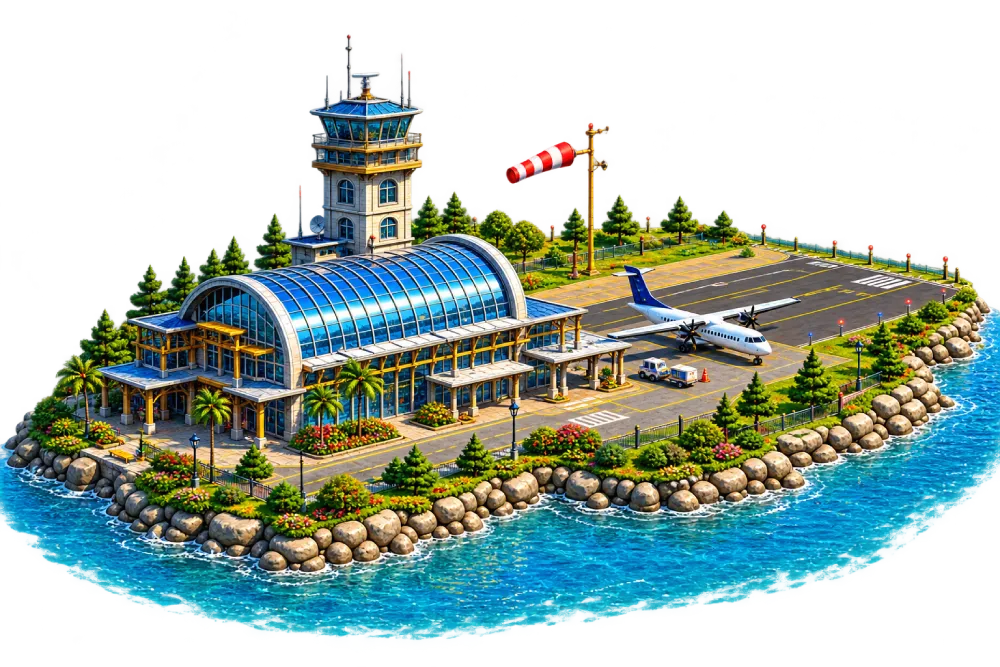
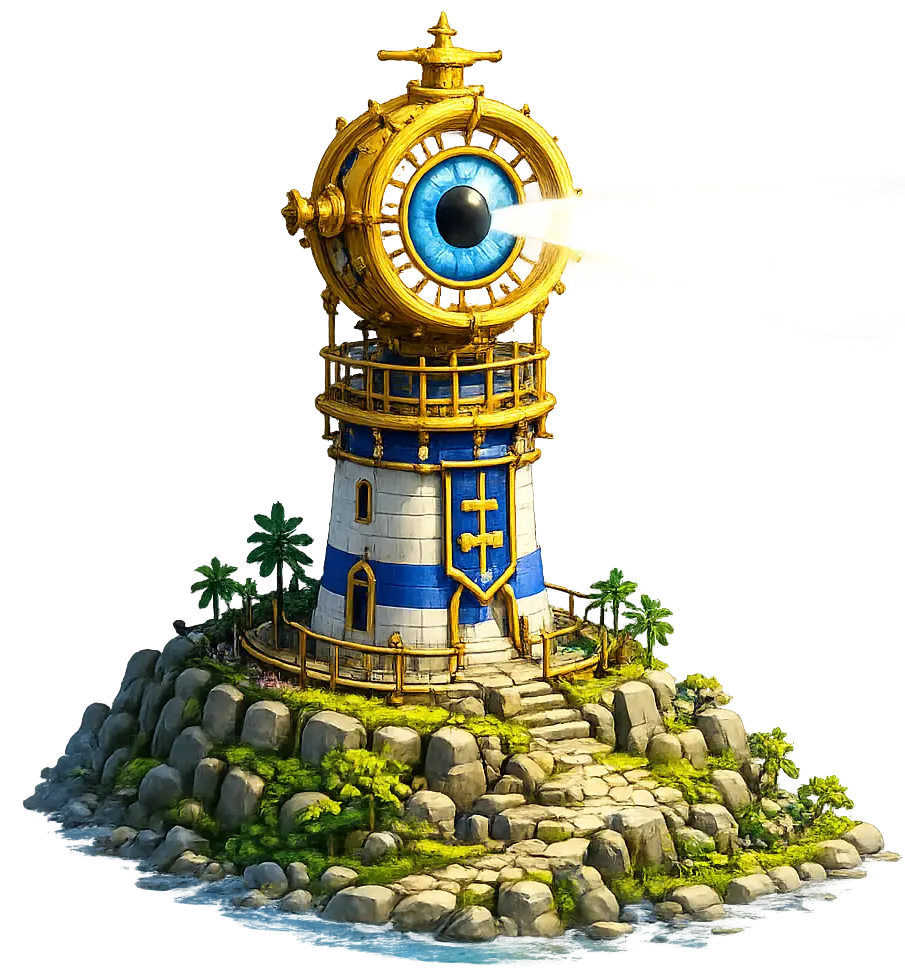
Choose a Gateway
Select a cinematic Gateway or upload a Gateway image.
Memory as Experience
A Kerinor Memorial is not simply viewed. It is entered, experienced, and remembered through atmosphere, movement, music, imagery, and reflection.
Designed to be felt
Full-screen cinematic presentation removes clutter, distractions, feeds, and visual noise to create a calm memorial journey.
Music & atmosphere
Music, memorial themes, imagery, transitions, and movement work together to shape atmosphere and emotional tone.
Private by design
Memorials remain private until published by the Custodian and can then be shared through a single simple link.
Memory deserves more than a webpage.
A Kerinor Digital Memorial is not simply viewed. It is entered — a calm, immersive remembrance experience designed to honour a life with dignity, atmosphere, and emotional presence.
A full-screen remembrance experience designed without clutter, distractions, or visual noise.
Created and cared for by the Custodian, with control over atmosphere, music, imagery, and messaging.
Shared intentionally through a simple memorial link and private by default until activated.
Designed to be felt
Kerinor Memorials remove menus, feeds, and interruptions to create a slower, more reflective experience.
The experience adapts naturally across phone, tablet, notebook, and desktop while preserving its calm atmosphere.
Created with intention
Every Memorial is shaped by the person who builds it — from the atmosphere and imagery to the music and welcoming words.
Messages become part of the Memorial
Family and friends can leave messages and memories that become part of the remembrance experience itself.
Build Your Memorial
Create Memorial is where the Custodian builds, edits, and previews the complete Memorial experience. Add details, build LifeSlides, choose music, select a memorial colour theme, choose a Primary Image frame, and refine the full memorial journey at any time.
Details
Add the name of the departed, date of birth, date of death, heading (optional), epitaph (optional), final memorial message (optional), and leave message. Kerinor Registry uses Day / Month / Year formatting.
Gateway
Every Memorial begins with a Gateway. Upload your own Gateway image or choose from the many cinematic Gateways available.
LifeSlides
LifeSlides provide the core Memorial journey. Add photographs or stories, preview them as thumbnails, reorder them, and edit them whenever needed.
Photos & Stories
Upload JPG, JPEG, PNG, or WEBP images and add written stories or memories.
Autoplay & Duration
LifeSlides autoplay automatically in the order selected by the Custodian. Each LifeSlide can be displayed between 1 and 30 seconds.
Primary Image & End Template
Select a Primary Image and choose a frame style for the End Template presentation. The Memorial concludes with the End Template, displaying the Primary Image,image frame (optional) memorial details, selected colour theme, and final memorial message.
Before Completing Your Memorial
Remember to tick the Terms & Conditions box before completing your Memorial.