Family Tree View
View your family history in a traditional genealogy tree with a familiar hierarchical layout.

Station Explorer
Enter the world of Kerinor and navigate your tree one Family Station at a time.
Route Finder
Find the relationship between any two individuals using either a Connection Route through the Family Station network or a direct Blood Link route.
Network View
Discover your family as an interactive network, revealing branches and relationships from a completely new perspective.
Using Station Explorer
A Family Station represents a single family unit. Each station contains two coloured parent platforms and one or more child platforms. Every individual appears as a platform within the station.
Father platform: Blue
Mother platform: Green
Child platforms: White
If a family has more than one child, the child platforms automatically rotate every 4 seconds so that each child is displayed.
Select an individual from the List View to open their primary Family Station.
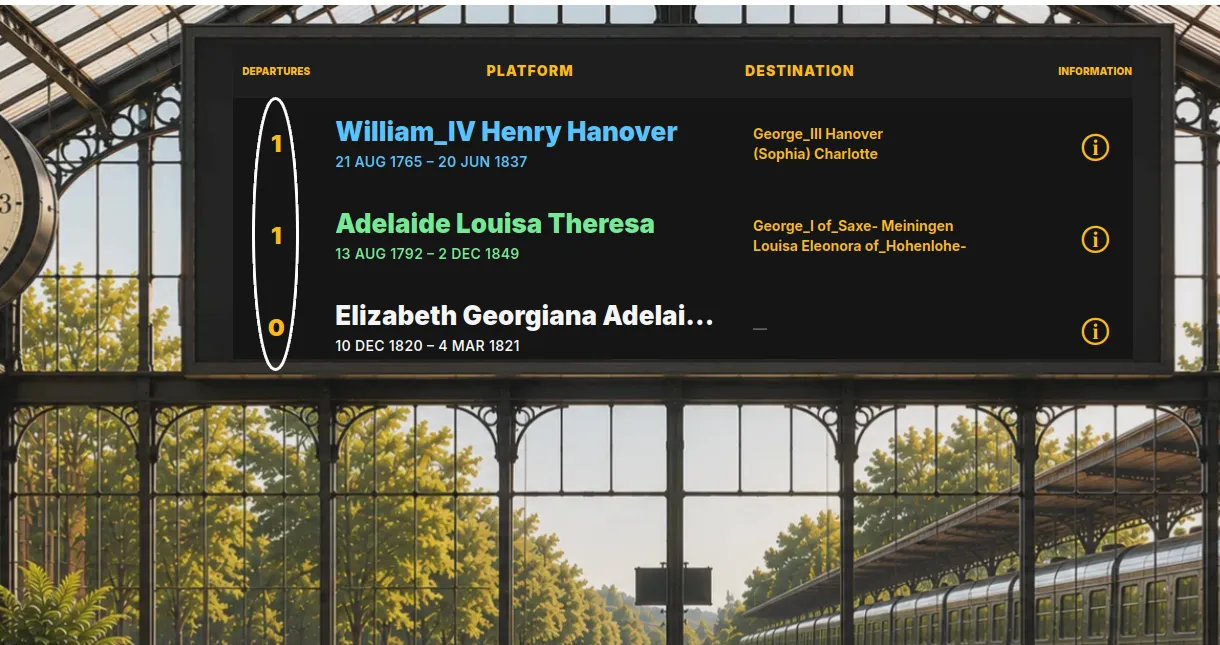
Platform Route Numbers
Each platform displays a route number showing how many direct routes are available. Click the route number or platform name to travel directly to the connected Family Station.
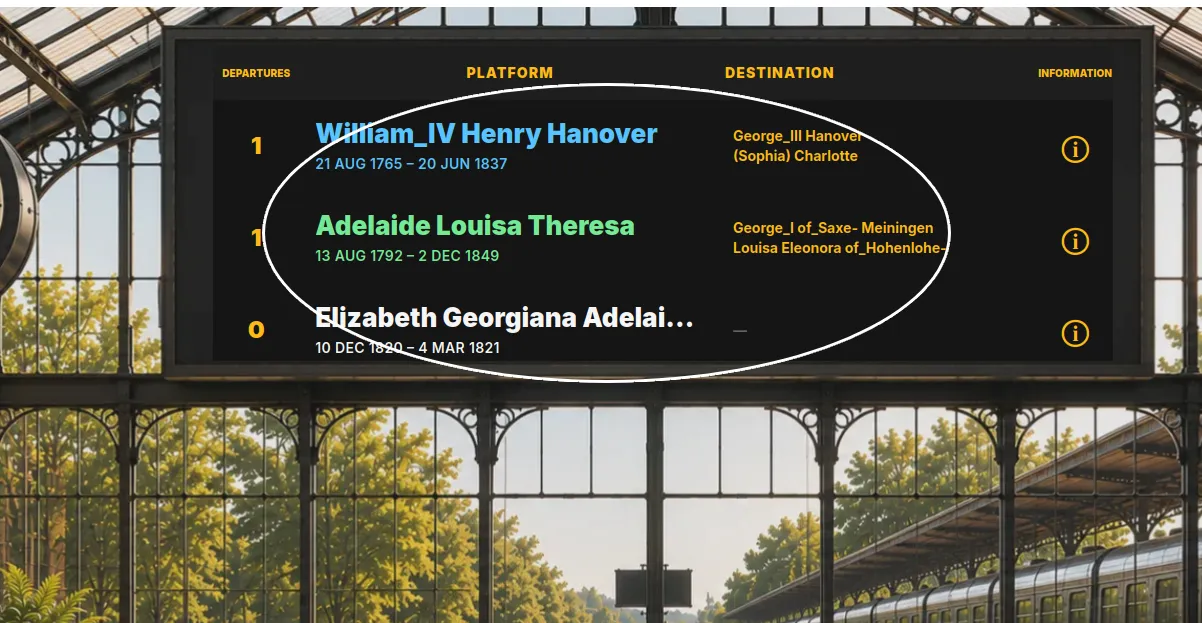
Station Departure Board
The Family Station departure board displays available departures from the current Family Station, showing the platform and its direct destination route.
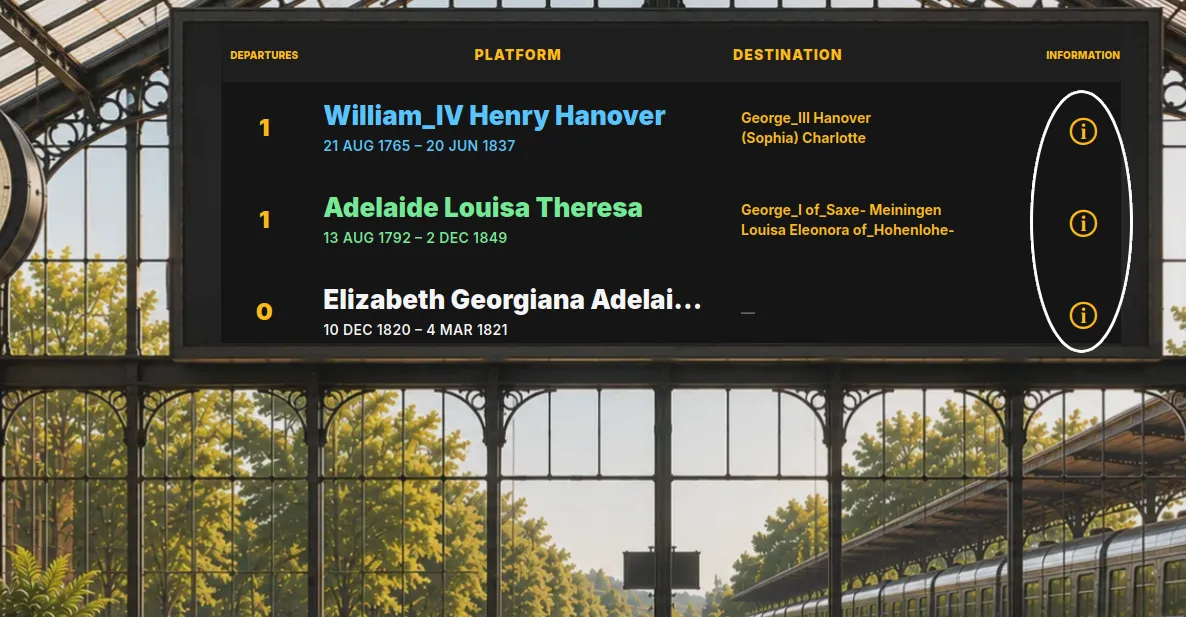
Information
Click the information icon to open the selected individual's details.
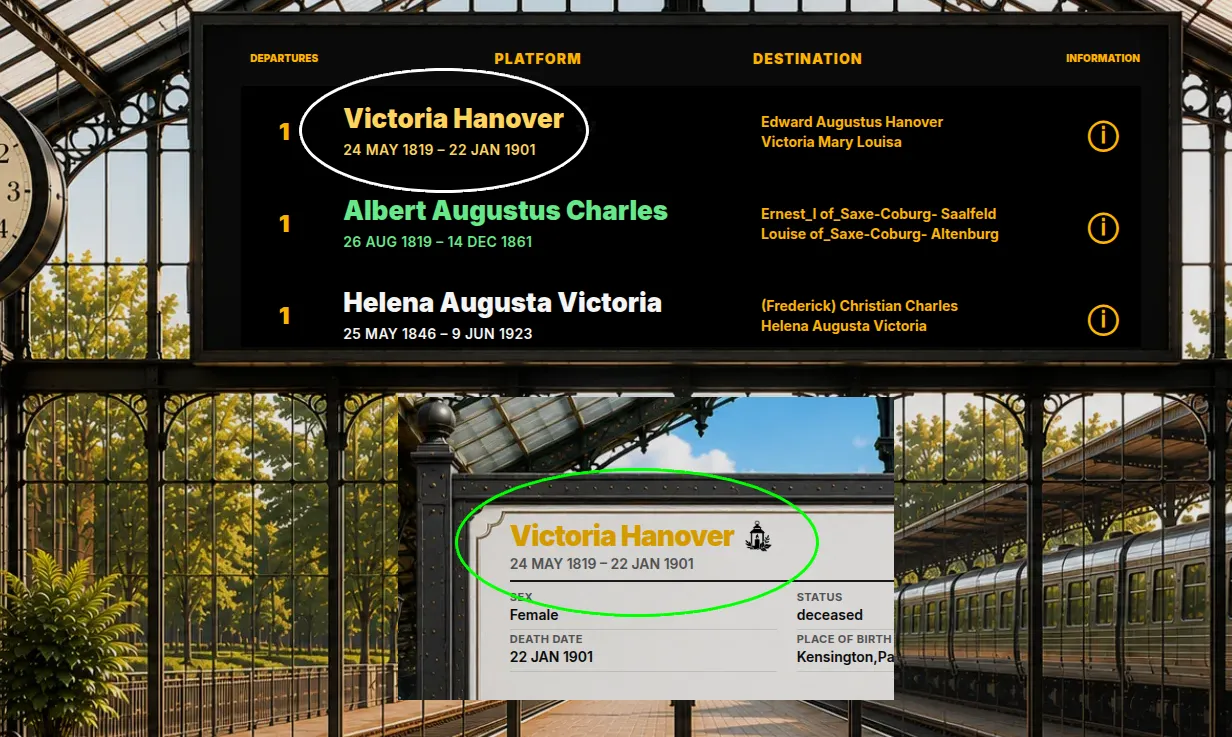
Linked Memorials
A gold-coloured platform indicates that the individual has a linked Kerinor Memorial. Click the lantern icon on the Information board to open the memorial. Available only with native Kerinor KFT files.
Using Route Finder
Route Finder allows you to explore the relationship between any two individuals. Search for a person by name or browse the available list to select both a starting person and a destination person.
You can choose between a Connection Route and a Blood Link.
A Connection Route follows the available routes through Kerinor's Family Station network, allowing you to travel through connected Family Stations to discover wider family relationships.
A Blood Link follows parent–child relationships to trace the direct bloodline between two individuals.
Click any platform along the journey to open that individual's information card. The animated journey pauses while the information card is open and automatically resumes when the card is closed.
If a Kerinor Memorial is linked to that individual, click the lantern icon in the information card to open the memorial.
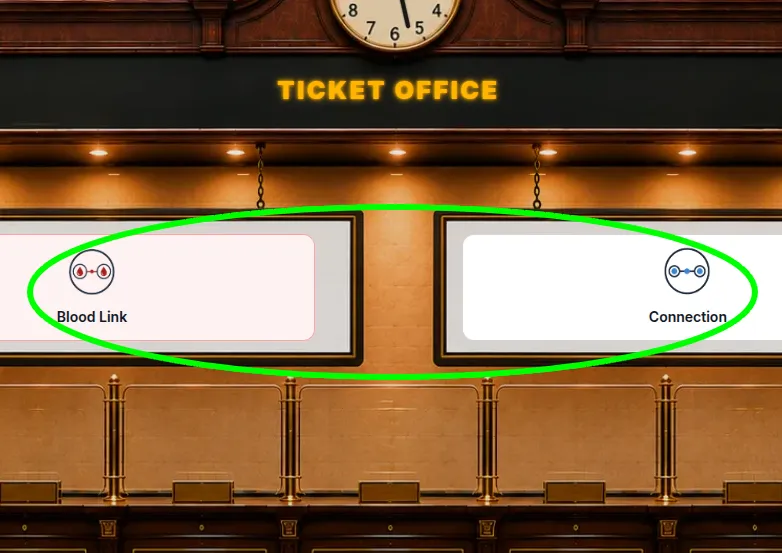
Start Your Family Tree Journey
Choose either Connection Route or Blood Link as your journey type. Select the From and To individuals, click Issue Ticket, then select Start Journey to begin travelling through your family tree.