





Build Your Memorial
Create Memorial is where the Custodian builds, edits, and previews the complete Memorial experience. Add details, build LifeSlides, choose music, select a memorial colour theme, choose a Primary Image frame, and refine the full memorial journey at any time.
Details
Add the name of the departed, date of birth, date of death, heading (optional), epitaph (optional), final memorial message (optional), and leave message. Kerinor Registry uses Day / Month / Year formatting.
Gateway
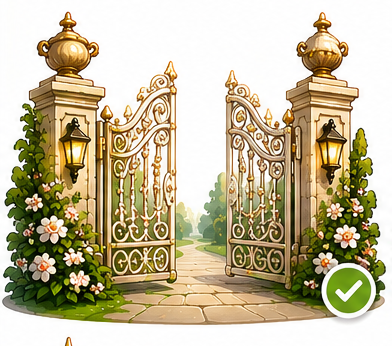
Every Memorial begins with a Gateway. Upload your own Gateway image or choose from the many cinematic Gateways available.
LifeSlides
LifeSlides provide the core Memorial journey. Add photographs or stories, preview them as thumbnails, reorder them, and edit them whenever needed.
Photos & Stories
Upload JPG, JPEG, PNG, or WEBP images and add written stories or memories.
Autoplay & Duration
LifeSlides autoplay automatically in the order selected by the Custodian. Each LifeSlide can be displayed between 1 and 30 seconds.
Primary Image & End Template
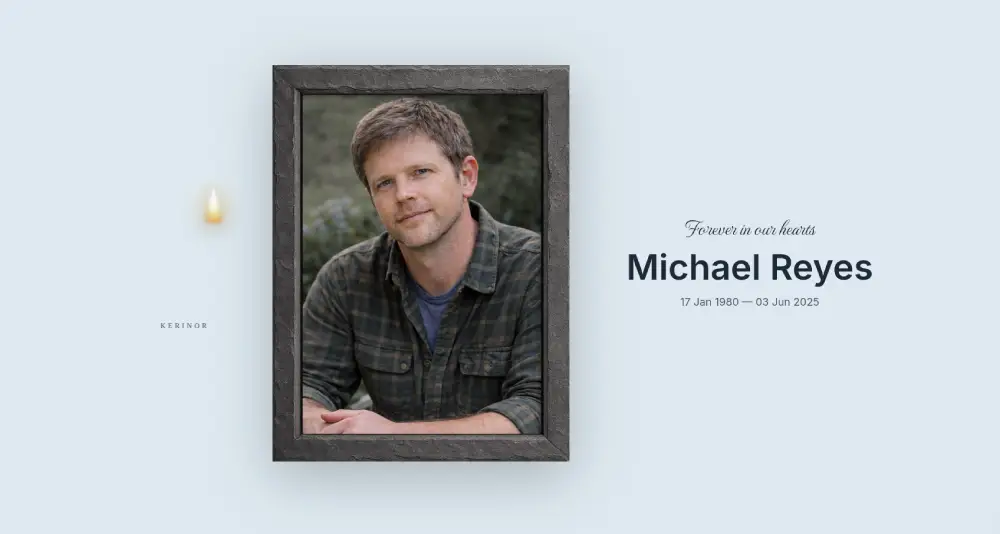
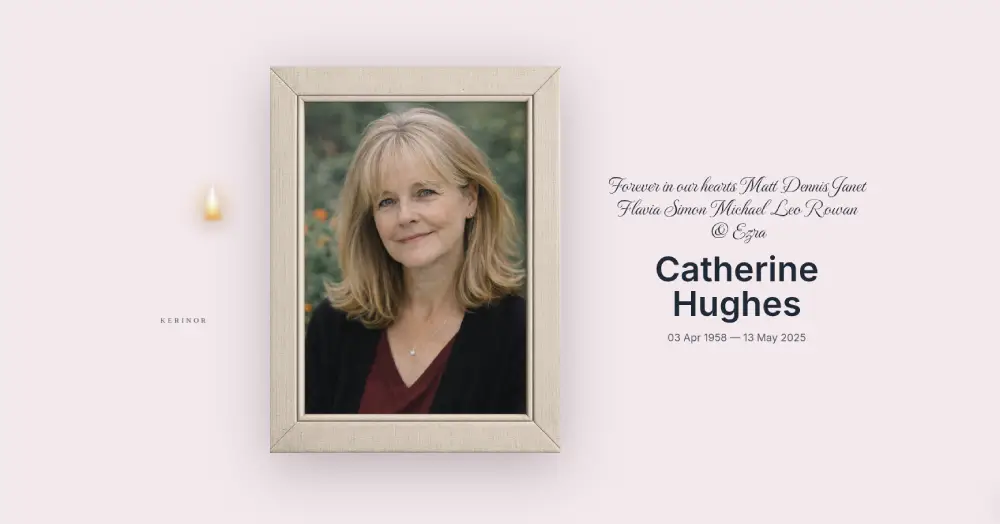
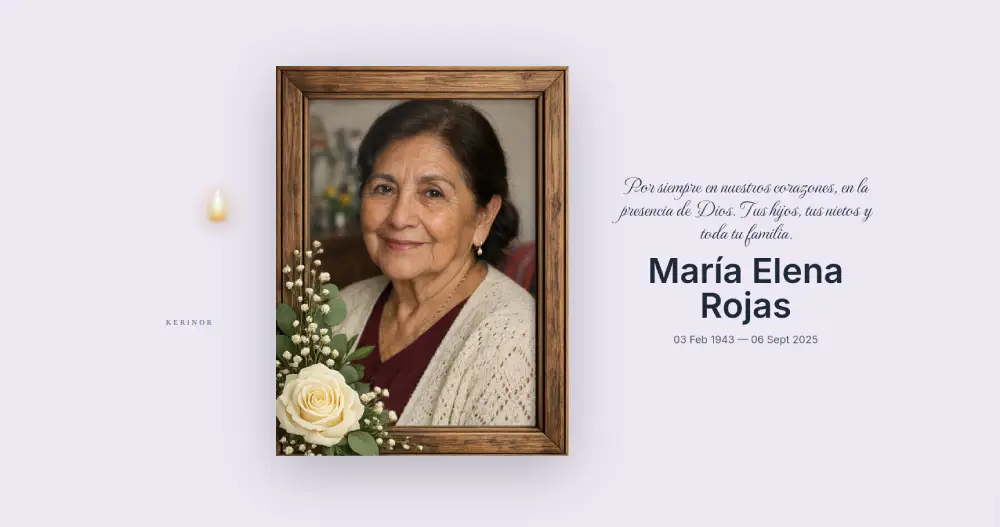
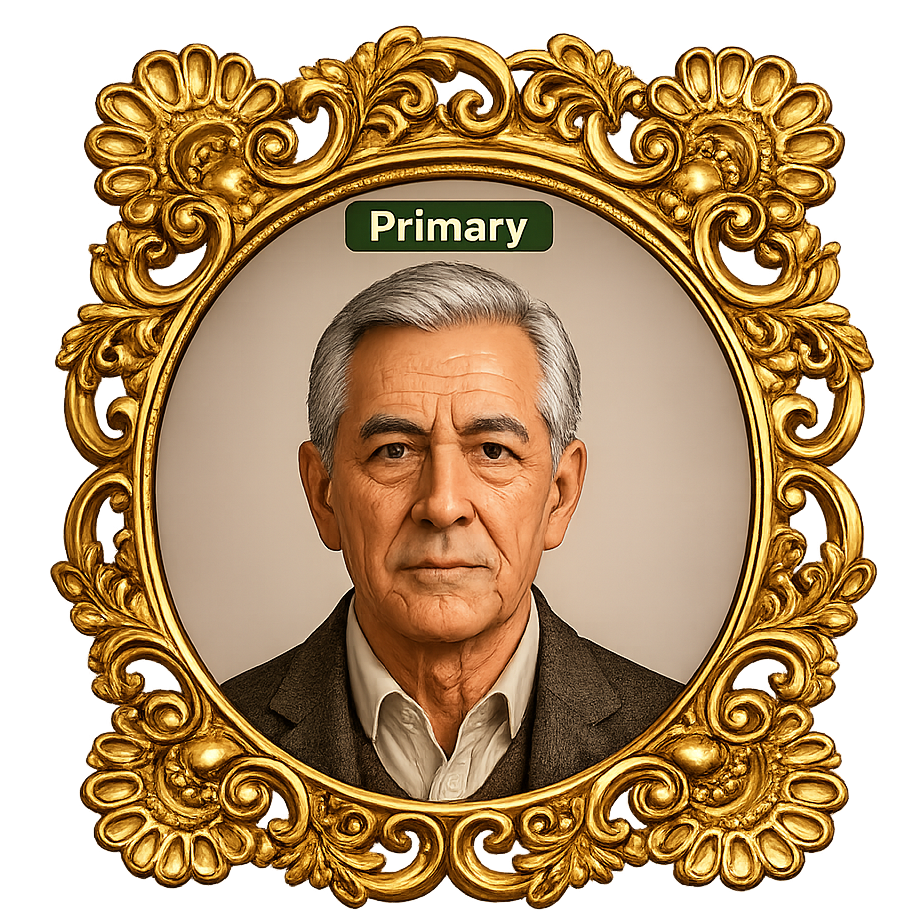
Select a Primary Image and choose a frame style for the End Template presentation. The Memorial concludes with the End Template, displaying the Primary Image,image frame (optional) memorial details, selected colour theme, and final memorial message.
Before Completing Your Memorial
Remember to tick the Terms & Conditions box before completing your Memorial.